Mixed downloads
Before
IMG_4829.jpg, Screenshot 2026-08-01.png, meme_004.webp, receipt.jpg
After
Photos/Camera, Screenshots/Work, Memes, and Receipts
Organize screenshots, camera photos, receipts, memes, and design assets on Windows with local AI. Review every destination before images move.
Galoria is an AI photo organizer for Windows 10 and 11. It analyzes supported images locally, combines filename, folder, metadata, and visual signals when available, then proposes categories such as Photos, Screenshots, Receipts, Documents, Design Assets, and Memes. Every destination remains visible for review before images move.
The captures below show Galoria's local picture-folder workflow and a resulting Windows folder structure. On September 6, 2026, all 26 backend tests passed, including 12 representative filename, metadata, and caption classification cases plus uncertainty and false-positive checks.
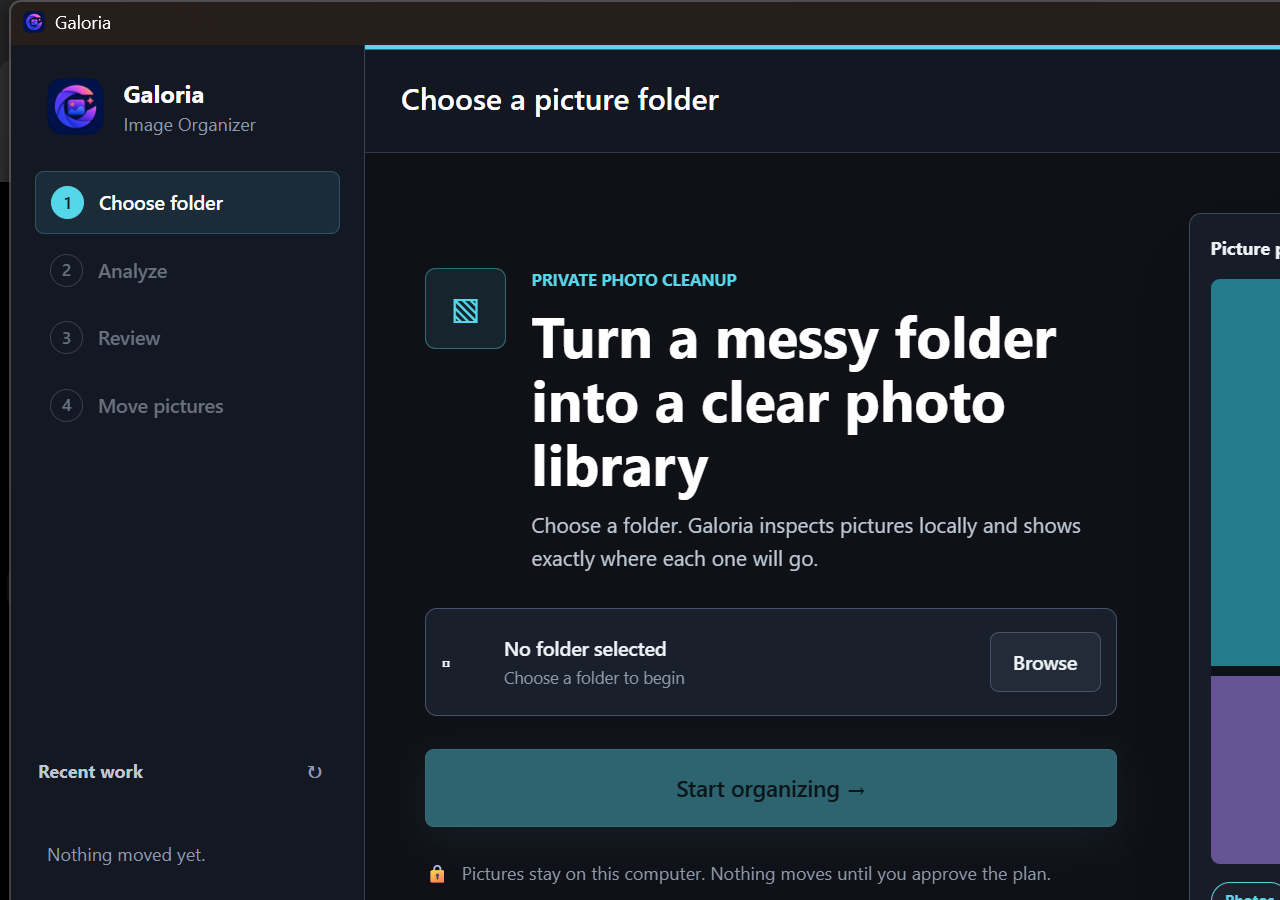
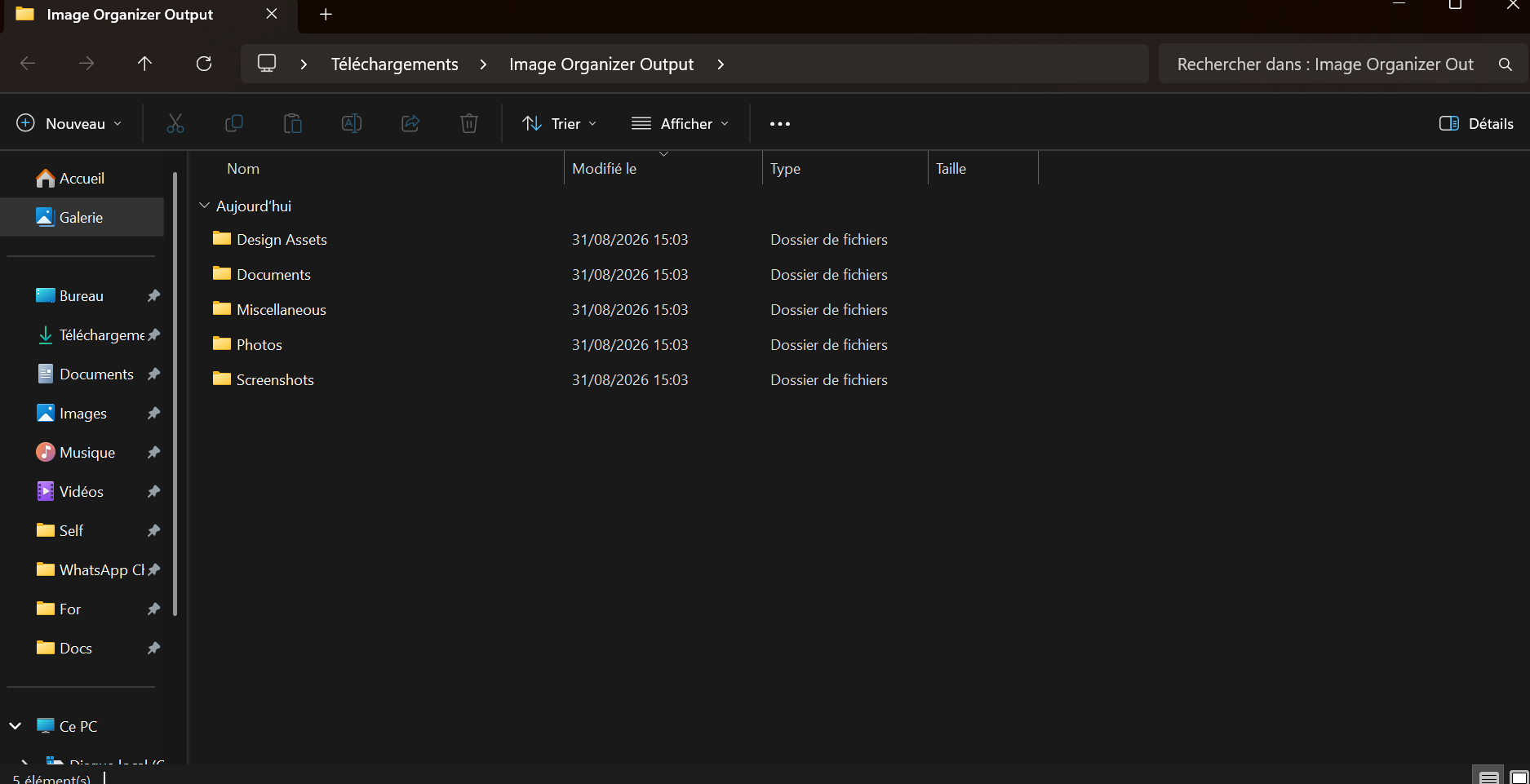
The 12 fixtures are curated regression cases, not a universal accuracy percentage. Test-suite runtime is also not end-to-end photo-library speed; image decoding, optional visual analysis, storage, and hardware affect real runs.
Windows photo folders often mix camera imports, screenshots, memes, wallpapers, receipts, scanned documents, design assets, and exports from other apps. A folder can contain useful images without revealing what any of them are for.
Manual sorting is slow when filenames do not explain the image. You usually need a combination of folder context, image type, and a review step to keep the result usable later.
IMG_4829.jpg, Screenshot 2026-08-01.png, meme_004.webp, receipt.jpg
Photos/Camera, Screenshots/Work, Memes, and Receipts
logo draft.png, reference 1.jpg, color palette.webp
Design/Logos, Design/References, Design/Palettes
The best choice depends on privacy expectations, the size of the library, and how much review you want.
| Option | Best for | Tradeoff |
|---|---|---|
| Galoria | Local Windows photo sorting with preview-first control | Requires reviewing the proposed plan |
| Manual sorting | Small image folders with only a few files | Becomes repetitive as the library grows |
| Cloud AI organizers | Hosted workflows where image upload is acceptable | Files may leave your device during analysis |
No. The workflow is designed to analyze supported image files locally on Windows before any move is applied.
Yes. Galoria is built around a preview step so you can inspect destinations and conflicts before changes are applied.
Mixed folders with screenshots, camera photos, memes, wallpapers, design assets, and scanned documents are the best fit.
Galoria supports JPG, JPEG, PNG, WEBP, GIF, BMP, TIFF, HEIC, and HEIF image files. The information available for analysis varies by format, so review the proposed destination for each file before applying a move.
Run local AI on Windows, review the proposed structure and filenames, then apply the changes you approve.
Download for Windows Get the complete bundle