Screenshot classification
Before
browser_dashboard.png with a browser-dashboard visual caption
After
Screenshots category
Review Galoria's 12 representative photo-classification cases, 26 passing backend tests, Windows environment, real interface captures, and test limitations.
On September 6, 2026, Galoria passed all 26 backend tests in 1.986 seconds on Windows 11 Pro with a Core i5-8350U and 8 GB of RAM. A representative regression set correctly handled all 12 defined category cases, including work, people, travel, products, receipts, documents, screenshots, wallpapers, design assets, memes, and pets. This is a curated regression result, not a claim of 100% real-world accuracy.
The regression results and product captures document both machine-checked behavior and the user-visible workflow.
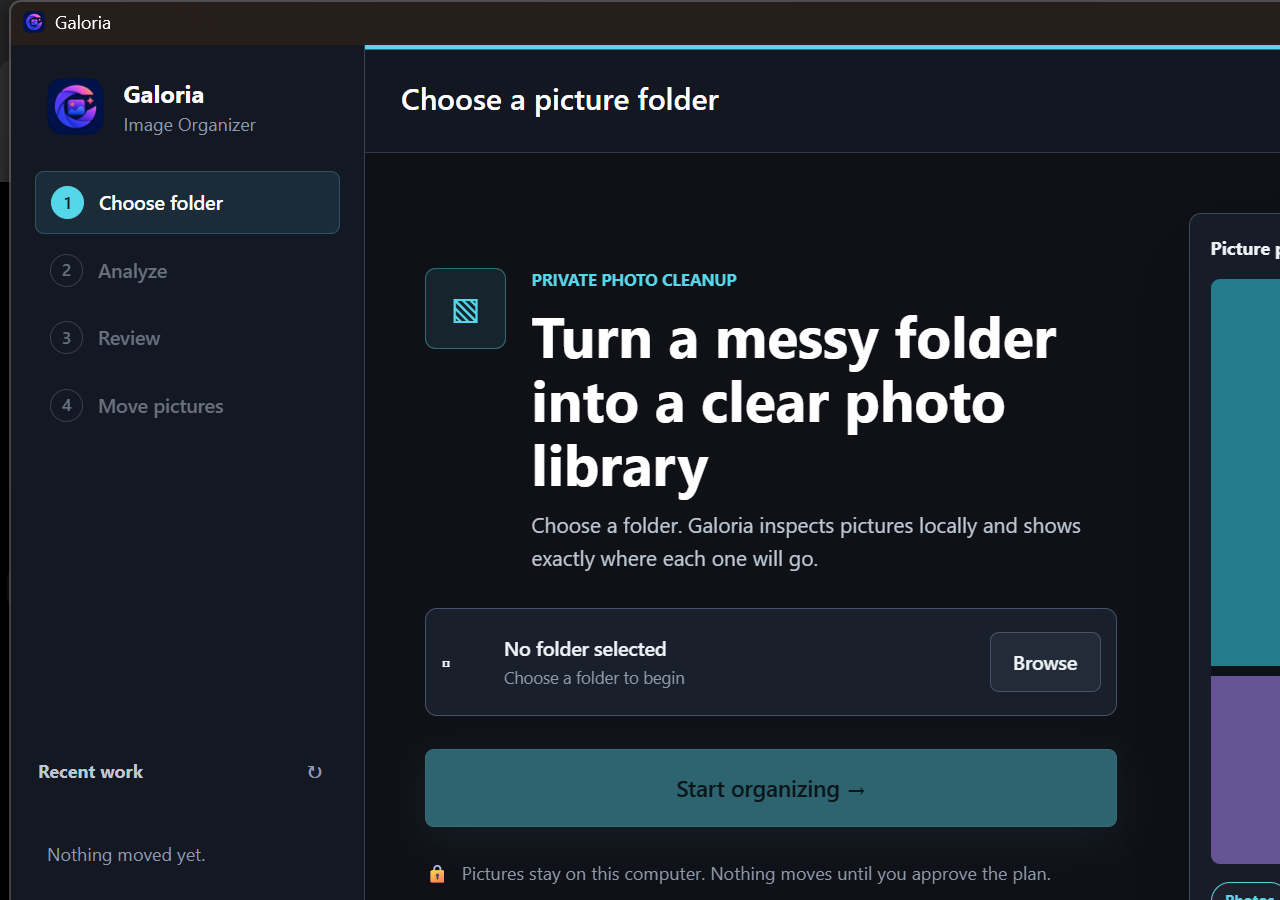
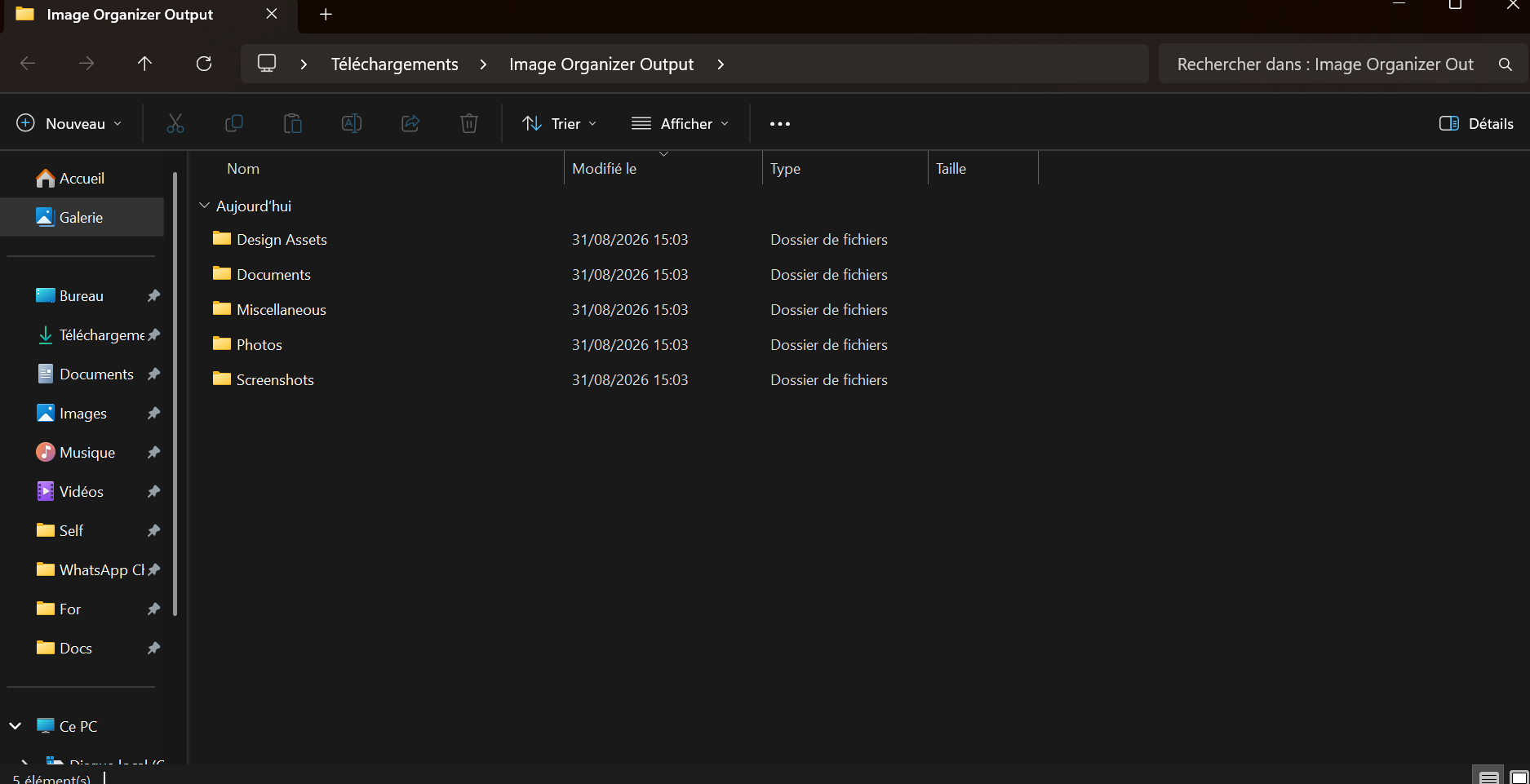
No general accuracy percentage or guaranteed scan speed is inferred from these fixtures. A broader benchmark would require a labeled image dataset, repeated runs, and documented model/runtime versions.
A useful image organizer must do more than match obvious words. Galoria's regression suite checks that a camera photo of a window is not treated as a screenshot, an abstract camera photo is not forced into Wallpapers, and a small unknown image can remain uncertain instead of receiving a confident but weak category.
The suite also covers preview capabilities, changed-file rejection, duplicate verification with a full hash, undo history, bounded progress updates, metadata workers, and caption limits. These checks reduce known regressions while leaving the final destination visible to the user.
browser_dashboard.png with a browser-dashboard visual caption
Screenshots category
receipt_204.jpg with printed receipt, subtotal, and tax signals
Receipts category
The published result separates curated regression coverage from performance and real-library accuracy.
| Option | Best for | Tradeoff |
|---|---|---|
| 12 category fixtures | Preventing regressions in representative filename, metadata, and caption cases | A curated set is smaller and cleaner than a real photo library |
| 26 backend tests | Classifier, planner, duplicate, history, preview, and bounded-work checks | Test runtime is not end-to-end library speed |
| Copied-library acceptance test | Checking categories against your own image collection | Requires reviewing ambiguous and irreplaceable images |
Galoria passed 12 of 12 defined regression fixtures. That is not the same as 100% accuracy across arbitrary real-world photo collections.
The classifier can retain uncertainty rather than forcing a weak category, and the proposed destination remains available for review.
No. It is the complete backend automated test-suite time on one computer. A real scan also depends on image count, format, storage, caching, and visual analysis.
Run local AI on Windows, review the proposed structure and filenames, then apply the changes you approve.
Download for Windows Get the complete bundle